
Turn it on, that’s all
Open Settings, flip the iCloud switch. The card shows where things stand: up to date, syncing, offline, waiting for an iCloud account, or changes pending. A “Sync now” button is there when you don’t want to wait.
One switch in Settings. Ease uses your private iCloud database, so there is no account to create and nothing passes through a server of ours.
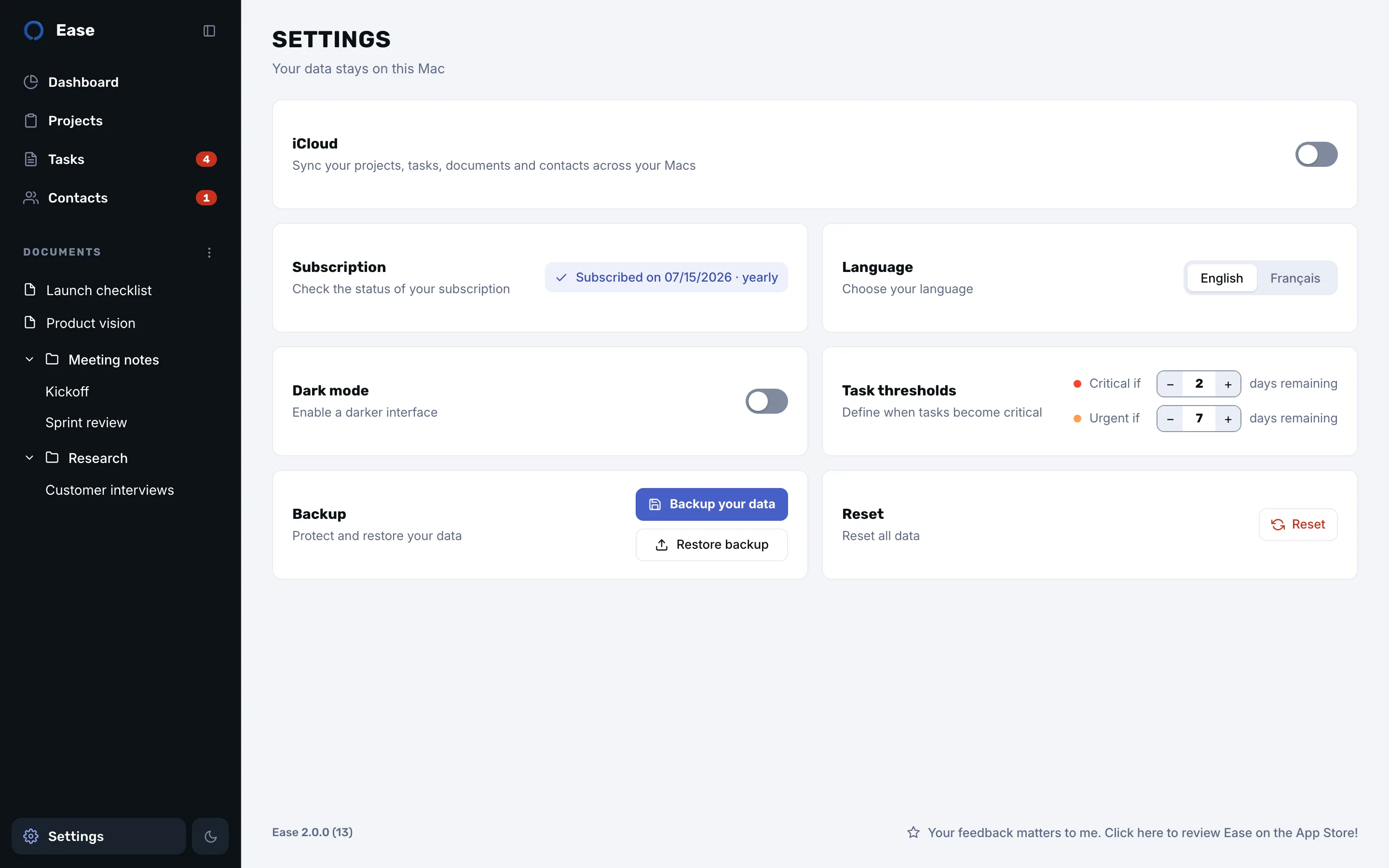
Open Settings, flip the iCloud switch. The card shows where things stand: up to date, syncing, offline, waiting for an iCloud account, or changes pending. A “Sync now” button is there when you don’t want to wait.
Projects, tasks, documents and folders with their order, contacts and their interactions. With two Macs open side by side, a change shows up on the other one within seconds. The most recent edit wins, and deletions carry over.
Ease never needs a connection to work. Edits made offline queue up and leave as soon as iCloud is reachable again.
Your data lives in the private database of your own iCloud account, under Apple’s iCloud terms. The developer has no access to it. Turn sync off whenever you like: nothing is deleted. Resetting Ease from Settings also erases its copy in iCloud.
No. Ease stores a few megabytes at most, which fits in the free iCloud storage. You need to be signed in to iCloud on each Mac with the same Apple Account.
No. Ease is a Mac app, and there is no iPhone or iPad version.
The most recent change wins, item by item. Ease never merges two versions of the same text, and a deletion made on one Mac applies on the other.
Download it from the Mac App Store. No account needed.